
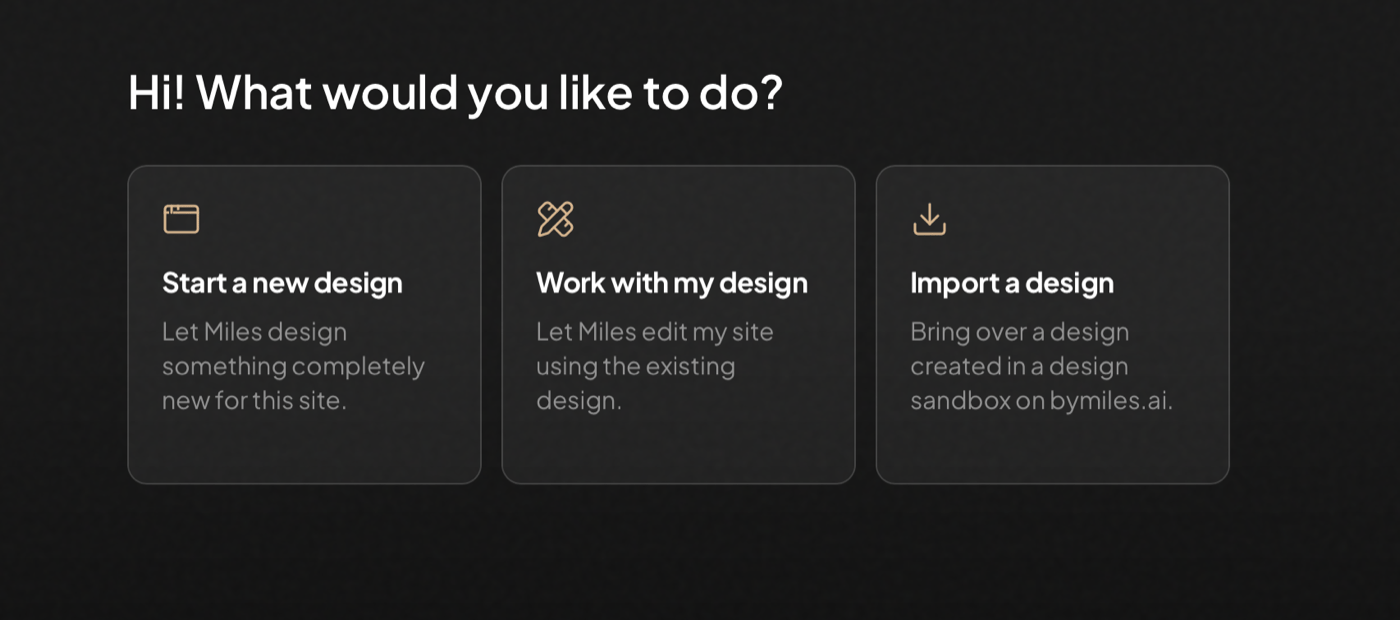
After you connect the Miles plugin, its first screen asks what you want to do. The option you choose determines whether Miles works with the current design, opens a separate design sandbox, or imports a design you already created.
Miles asking what you would like to do, with options to Start a new design, Work with my design, or Import a design.

The three starting paths in the Miles WordPress plugin

Start a new design

This path is for new visual directions. Miles first asks whether the design is for a new site or based on an existing one.
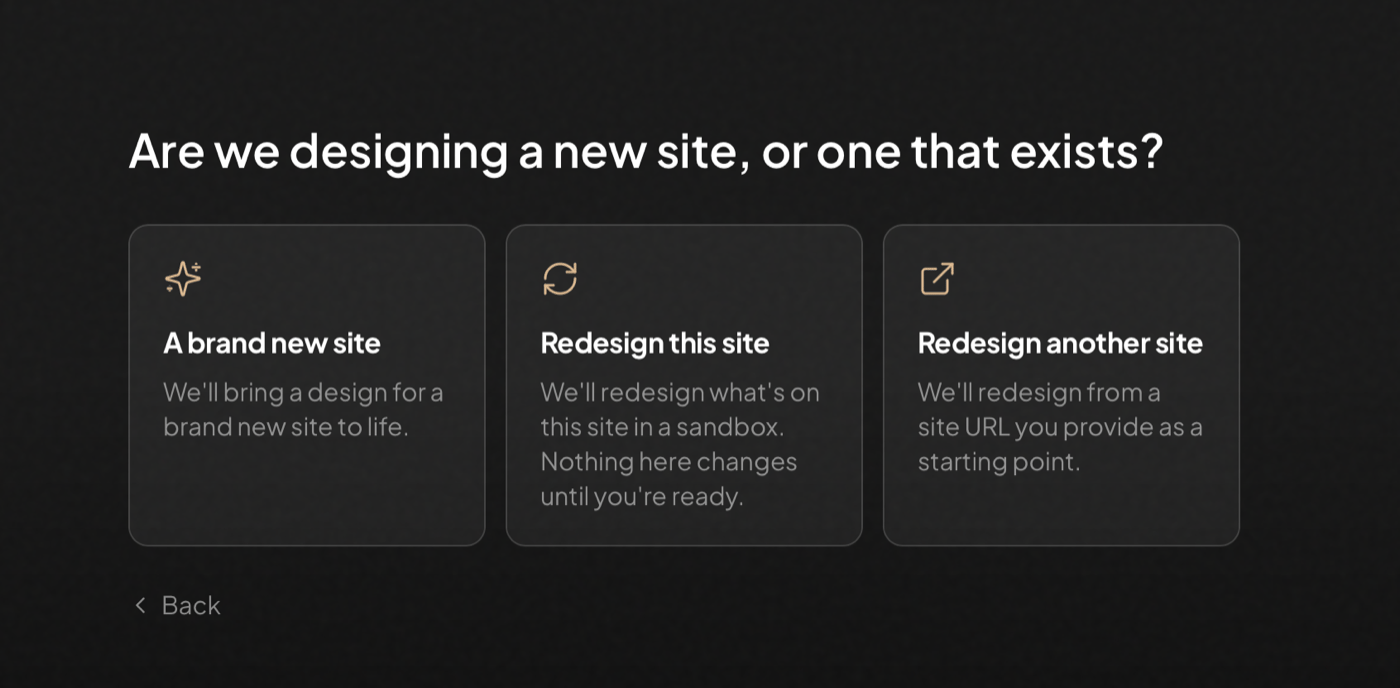
Miles asking whether to design a brand new site, redesign this site, or redesign another site.

Choosing what the new design is based on

  • A brand new site starts without an existing site as its source.
  • Redesign this site uses the current WordPress site as the starting point and automatically creates the redesign in a sandbox. Nothing on the current site changes until you import the result.
  • Redesign another site asks for the other site’s public URL and uses it as a starting point.
For a brand-new site or a redesign of another URL, Miles also asks where it should start creating:
  • In a sandbox opens a separate design sandbox on bymiles.ai. Nothing on this WordPress site changes until you choose to import the design.
  • On this site builds directly on the current WordPress site. Changes are published on the site as Miles makes them.
Creating a design sandbox uses the Miles account connected to the site, so a WordPress administrator must choose that option.

Work with my design

Choose Work with my design for changes that should follow the site’s existing colors, typography, spacing, templates, and visual language. This is the right path for editing pages, creating pages and sections, refining copy or images, and adding functionality to the current site. It requires a block theme or a static homepage. If neither is available, the option appears disabled. Read Work with your existing design before changing a site that already contains important work.

Import a design

Choose Import a design when the design already exists in a design sandbox on bymiles.ai. After you select it, Miles asks whether to install it as a new theme or replace the WordPress site with a complete sandbox clone. Those options have very different effects. Read Exporting and importing a site before continuing. If you do not have a design yet, the import screen can create a new design sandbox for you. Design import is not currently available for team accounts.

Returning to work in progress

When a design sandbox was started from this WordPress site, the plugin remembers it. The starting screen offers Keep designing or Import a design when you return. After a design is installed as a theme, activate it from Appearance when you are ready. Once it is active, choose Work with my design to continue editing it with Miles.